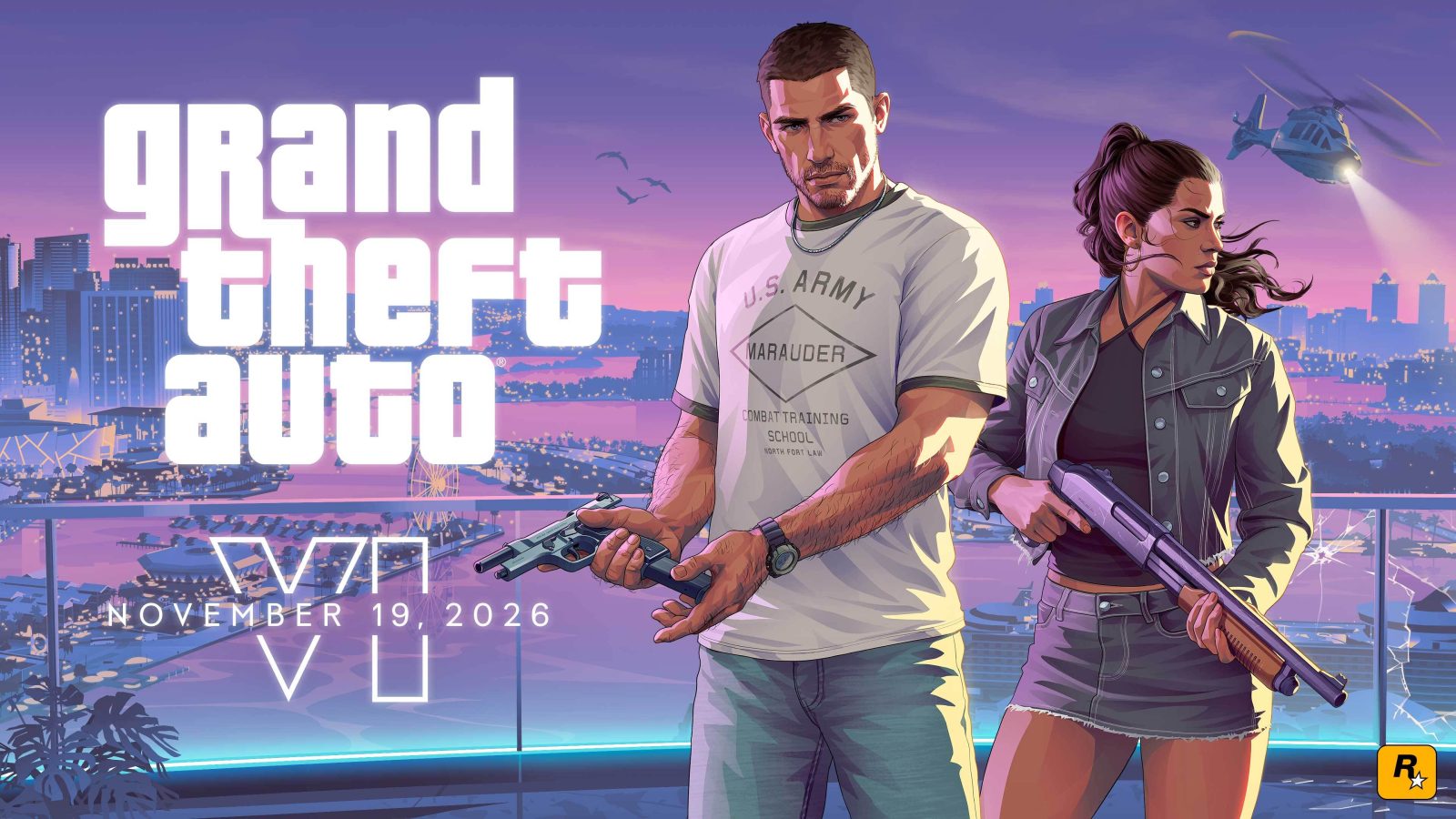
Before launching GTA 6, it is worth checking your setup. Here is all the gear for GTA 6 to plan for: free space on your console, extra storage if needed, your internet connection for the download, and a few accessories that change the experience.
How much space does GTA 6 need?
According to Rockstar’s preload page, you need up to 212 GB of free space, depending on the console. It is one of the biggest console games ever released. Here is what that means on each model (actual usable space, rounded):
| Console | Usable storage | Share taken by GTA 6 |
|---|---|---|
| PS5 (825 GB) | about 667 GB | about 1/3 |
| PS5 Slim and PS5 Pro (1 TB and 2 TB) | about 850 GB and 1.8 TB | between 1/4 and 1/9 |
| Xbox Series X (1 TB) | about 802 GB | about 1/4 |
| Xbox Series S (512 GB) | about 364 GB | more than half |
Astuce
Clean up before downloading: uninstall the games you no longer play. Your saves stay in the cloud or on the console, so you can reinstall them later.
Adding storage on PS5
Every PS5 has a free slot for an M.2 SSD. It is the only way to add space you can run PS5 games from. To make sure it fits:
- an SSD PCIe Gen4 (M.2 2230 to 2280 size);
- a read speed of at least 5,500 MB/s, the speed recommended by Sony;
- un heatsink (often included with the SSD, otherwise add one);
- 1 or 2 TB : enough to keep GTA 6 and several other big games.
Installation takes a few minutes with a Phillips screwdriver; the console then formats the SSD on its own.
Adding storage on Xbox Series X|S
On Xbox, you use an official storage expansion card that plugs into the back of the console. It works exactly like internal storage and comes in 512 GB, 1 TB and 2 TB. On a Series S, it is almost essential if you want to keep other games alongside GTA 6.
A regular external USB hard drive cannot run GTA 6: it only stores games and transfers them faster than a new download.
Which console do you need for GTA 6?
GTA 6 is available only on PS5 and Xbox Series X|S, all models included (standard PS5, Slim, Pro, Series X and Series S). There is no PS4, Xbox One or PC version at launch, and Rockstar has not announced a date for a PC port.
Internet connection: how long does the download take?
Even the boxed version has to be downloaded: physical editions contain a code, not a disc. Here is the theoretical time for 212 GB depending on your speed (in practice, allow a little more):
| Connection speed | Download time |
|---|---|
| 50 Mb/s | about 9 h 30 min |
| 100 Mb/s | about 4 h 45 min |
| 300 Mb/s | about 1 h 35 min |
| 1 Gb/s (fiber) | about 30 min |
If your router is far from the console, an Ethernet cable is often faster and more stable than Wi-Fi. You can also leave the console in rest mode so it downloads overnight. Everything is explained in our guide to install GTA 6 on PS5 and Xbox.
Controller and headset: useful accessories
- A headset : PS5 (3D Audio) and Xbox (spatial sound) both support positional audio. In a city as busy as Vice City, you can better hear where cars, sirens and gunshots come from.
- A second controller or a charging station : handy for long sessions.
- A long enough USB-C cable to play while charging the controller.
Our selection of tested gear will be added here soon.
Our guides to get ready
Install GTA 6
Download, space to free up and settings to get the game ready.
Release time
What time GTA 6 unlocked, on PS5 and Xbox.
Editions and prices
Standard or Ultimate Edition: prices, content in pictures and best deals.
Frequently asked questions
How many GB is GTA 6?
Rockstar says you need up to 212 GB of free space for GTA 6, depending on the console.
Does GTA 6 fit on an Xbox Series S?
Yes, but GTA 6 takes more than half of its 364 GB of usable space. A storage expansion card is recommended to keep other games.
Can you play GTA 6 from an external hard drive?
No. A USB drive can only store GTA 6. To play, the game must be installed on internal storage, an M.2 SSD (PS5) or an expansion card (Xbox).