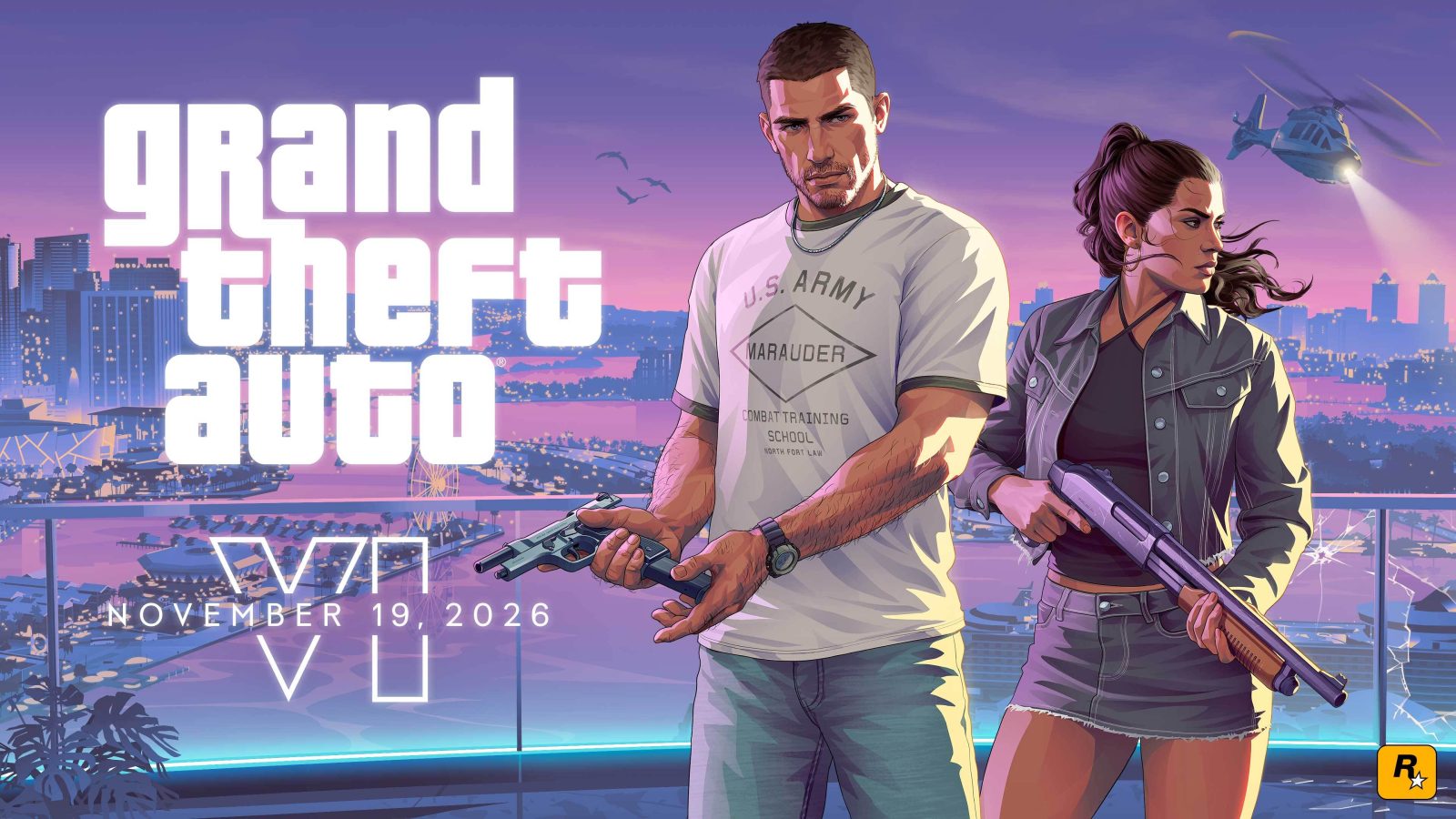
GTA 6 launched on Thursday, November 19, 2026, on PS5 and Xbox Series X|S, and this guide shows you how to install GTA 6 step by step, whether you bought the digital version or the boxed copy. The game is huge, so clearing space before you start the download will save you a lot of time.
Updated November 19, 2026. Inside: the storage you need, downloading with the code from the box, and how long the download takes depending on your connection.
Before you install GTA 6: quick facts
- Release: the game has been available since Thursday, November 19, 2026, at midnight local time (pre-loading opened on November 10).
- Size: up to 212 GB depending on the console.
- Boxed copy: it contains a download code, not a disc. It has been in stores since November 12.
- Updates: before your first session, install the latest update offered by the console.
Step 1: free up storage space
With 212 GB to download, this is often the most important step. For reference, usable space is around 667 GB on a launch PS5 and around 364 GB on an Xbox Series S, so GTA 6 can take up a big part of your console.
- Check the free space in your console storage settings.
- Delete games you no longer play: your saves usually stay in the cloud.
- You can move other games to a USB hard drive to make room, but GTA 6 must be installed on internal storage or a compatible expansion (M.2 SSD on PS5, Storage Expansion Card on Xbox Series) to run.
Step 2: install GTA 6 on PS5
You bought the digital version
- Turn on the console and sign in with the account that bought the game.
- If automatic downloads were enabled when you pre-ordered, the game may already be installed.
- Otherwise, open the Game Library, go to « Your Collection », select Grand Theft Auto VI and start the download.
You have the boxed copy
- Open the PlayStation Store and choose the option to redeem a code.
- Enter the code printed inside the box.
- The game is added to your library: start the download as above.
Step 3: install GTA 6 on Xbox Series X|S
You bought the digital version
- Turn on the console with the account that bought the game.
- Open My games & apps, then the full library.
- Find Grand Theft Auto VI under owned games or « Ready to install » and select Install.
On Xbox, pre-loading opened at the same moment worldwide, at midnight GMT on November 10.
You have the boxed copy
- Open the Microsoft Store on the console and choose the option to redeem a code (or use Microsoft’s code redemption page in a web browser).
- Enter the code from the box.
- Start the installation from your library.
Astuce
Leave your console in rest mode and plugged in: it keeps downloading GTA 6 overnight and installs game updates automatically.
Download GTA 6 with the code from the box
The boxed version of GTA 6 has no disc, only a download code. You need to activate it on your console before you can install the game. In short:
- PS5: PlayStation Store, then the « … » menu at the top of the screen, then Redeem Code.
- Xbox Series: Microsoft Store, then Redeem a code. You can also enter it from a computer or phone on Microsoft’s code redemption page, with the same account as on the console.
- Once the code is accepted, the game appears in your library: start the download.
Attention
A code only works on the console it was made for: a PS5 box will not work on Xbox, and vice versa. Each code can only be used once. If yours is rejected, check characters that look alike (O and 0, I and 1), then contact the store where you bought it.
How long does it take to install GTA 6?
It all depends on your connection. Here is the theoretical time to download 212 GB. In practice it often takes longer, especially in the first days, when millions of players are downloading the game at the same time:
| Connection speed | Theoretical time for 212 GB |
|---|---|
| 30 Mbps (fast DSL, 4G) | about 16 h |
| 100 Mbps | about 4 h 45 min |
| 300 Mbps (fiber) | about 1 h 35 min |
| 1 Gbps (fiber) | about 30 min |
Add a few minutes of installation on top, plus any game update. On a slow DSL or 4G connection, start the download at night with the console in rest mode.
Astuce
On PS5 and Xbox alike, connect the console to your router with an Ethernet cable instead of Wi-Fi: downloads are often much faster.
Step 4: check that everything is ready
Once the download is complete, launch the game from your library. If the console offers an update, install it before you play: launch updates often fix early bugs. Then save your game after the prologue, so you never have to replay the opening.
Why is my GTA 6 download so slow?
In the first days after release, millions of players download the game at once and servers can slow down. On a slow connection, expect several hours. If the download stalls, pause it and resume it, and use an Ethernet cable whenever you can.
Attention
Beware of websites promising free GTA 6, « early access » or a PC version: the game was released only on PS5 and Xbox Series X|S, and only official stores and recognized retailers sell it.
What Rockstar says about performance
GTA 6 targets 30 frames per second on PS5 and Xbox Series X|S. The PS5 Pro also gets a sharper image (PSSR) and ray-traced shadows. The game is playable on Xbox Cloud Gaming, including on Xbox One, and supports Remote Play on PlayStation and Xbox. Official details are on the Rockstar Games website.
Install GTA 6, then what?
Now that you know how to install GTA 6, you can start playing. Still unsure about the version to buy? Read our guide to which GTA 6 edition to choose. Wondering about a computer version? Our GTA 6 on PC page sums up what Rockstar has said. For everything else, see everything to know about GTA 6 and the latest GTA 6 news.



Laisser un commentaire