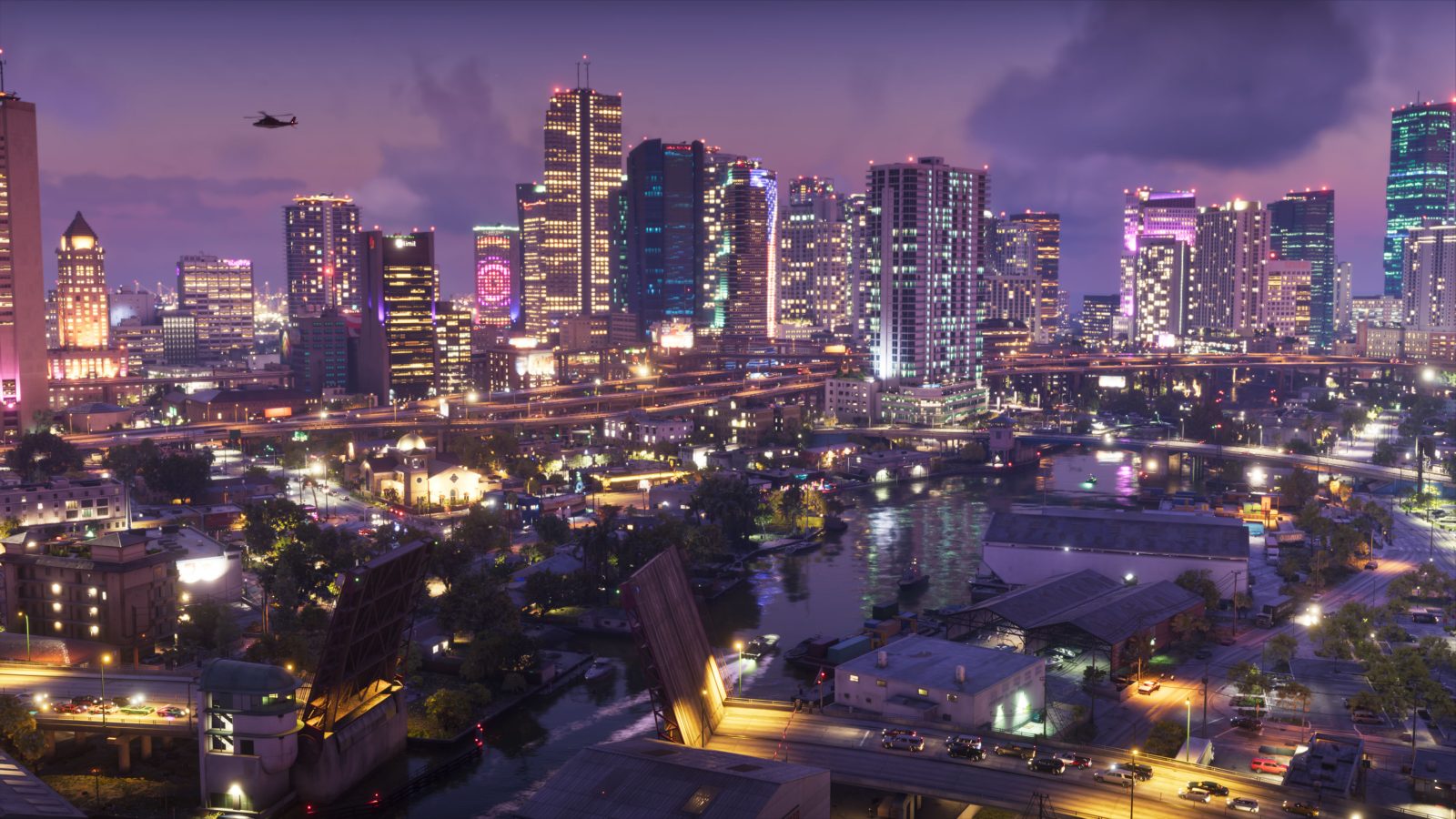
The GTA 6 patch Rockstar Games rolled out on November 23, 2026 fixes an autosave bug on PS5 and Xbox Series X|S. Rockstar’s notes also list fixes for crashes, phone calls that failed to trigger and a bug that could leave players stuck with a Wanted Level. It is the first GTA 6 update since launch.
In short
- Rockstar fixed an issue that prevented GTA 6 from autosaving correctly.
- The update also addresses crashes and some in-game calls that didn’t start as intended.
- GameSpot and IGN report a 603.8 MB download on PS5 and a 1.6 GB download on Xbox Series X|S.
- Rockstar has not announced a way to restore saves lost before the update.
GTA 6 patch: what changes for autosaves
Rockstar says GTA 6 wasn’t always autosaving correctly. The practical consequence shows up when you load back in: the latest save the game offers may be older than you expected. VGC reports that some players lost progress after launch, even after getting through several of the opening missions.
Fixing the bug and restoring progress are two different things. Rockstar says the update addresses the autosave issue, but its notes don’t outline a recovery process or say that missing progress will reappear. Before picking up where you left off, check which saves are still available rather than assuming the latest download can bring one back.
Compare your most recent save with what you remember doing in your previous session. If you have more than one manual save, keep the slot you know is usable rather than immediately overwriting it. The idea is to give yourself a reliable place to resume later, not to try to reconstruct progress that never made it into a save.
Astuce
When GTA 6 lets you save manually, make a save before ending your session and check that it appears in the save list. That’s a useful habit even after installing the update.
Other fixes: crashes, weather and missed calls
The GTA 6 patch addresses several causes of crashes and a bug that could leave Leonida’s weather unchanged for long stretches. The notes don’t say how often the weather is supposed to change. They also don’t say that every crash a player might encounter has been fixed. The list describes specific issues rather than guaranteeing a particular experience in every session.
Some of the fixed phone calls unlock content or let players move forward. Rockstar also lists a fix for a Wanted Level that wouldn’t clear, a gym bar players couldn’t use and a bug that stopped partners from handing over bags for resale. The notes don’t announce a new mission or changes to the rules of any of those activities.
How to check for the GTA 6 patch on your console
GameSpot and IGN identify the PS5 update as version 01.002.002. The reported Xbox Series X|S download is larger, but Rockstar’s notes cover both console families. The update status on your own console is the useful bit: it will tell you whether a GTA 6 download is pending or whether your copy is already up to date.
Early coverage reported that the update was rolling out in stages. If it hasn’t appeared, check the console’s download queue and look for a GTA 6 update in the game’s menu. Don’t delete your save data to restart an installation. Our PS5 and Xbox installation guide covers downloads, while our Xbox Series X|S guide covers the details specific to those consoles.
If the update is already in the queue, check whether it has finished installing before you reopen GTA 6. A pending download on the console doesn’t mean the fixes are active in a game session that is still running. Once installation is complete, launch the game and check your save before carrying on.
Frequently asked questions
Does the GTA 6 update fix autosave?
Yes. The November 23, 2026 update addresses a bug that stopped GTA 6 from autosaving correctly.
How big is the first GTA 6 patch?
The reported sizes are 603.8 MB on PS5 and 1.6 GB on Xbox Series X|S. Check your console’s download queue for the size it displays.
Will the update recover a lost GTA 6 save?
Rockstar has not announced a way to recover lost save data. Check the saves that are still available before loading back in.
What’s next?
Install the GTA 6 patch when your console offers it, confirm where your save picks up and make a manual save before you stop playing. If you’re setting the game up for the first time, our GTA 6 launch guide explains the difference between getting ready to play and installing the original day-one update.
Sources: Rockstar Support — November 23 patch notes; GameSpot; VGC; IGN.



Laisser un commentaire